

Stylus Pen for Microsoft Surface Pro11/10/9/8/X/7+/6/5/4, Surface Go 4/3/2/1, Surface Laptop1-5/Studio/Book 3/2/1 with Eraser Side Button,Palm Rejection,Tilt Function,1024 Pressure
US$7.98
Price when purchased online
Free shipping
Free 30-day returns
Sold and shipped by bannersonline.co.za
We aim to show you accurate product information. Manufacturers, suppliers and others provide what you see here.
US$7.98
Price when purchased online
Free shipping
Free 30-day returns
Sold and shipped by bannersonline.co.za
Free 30-day returns Details
Product details
| Management number | 239747809 | Release Date | 2026/07/14 | List Price | US$7.98 | Model Number | 239747809 | ||
|---|---|---|---|---|---|---|---|---|---|
| Category | |||||||||
- 【Compatibility】❌NOTE:Does NOT work with Surface Laptop Go Series,which belongs to a different series than Surface Laptop and Surface Go.❌NOT COMPATIBLE WITH:Surface Pro12/Surface Laptop Go/Laptop Go 2/ Laptop Go3/Laptop SE/ Surface Hub 2s/Surface Laptop 6/Surface Laptop 7;The F97 supports up to the MPP1.15 protocol and works with most Microsoft Surface devices.[Surface Model List]✔Surface Pro 4/Pro(5th Gen)/Pro 6/Pro 7/Pro 7+/Pro 8/Pro 9/Pro X/Pro 10/Pro 11, ✔Surface Book/Bk 2/Bk 3, ✔Surface Laptop/Laptop 2/Laptop 3/Laptop 4/Laptop 5,✔Surface Go/Go 2/Go 3/Go 4, ✔Surface Studio2/Studio2+;
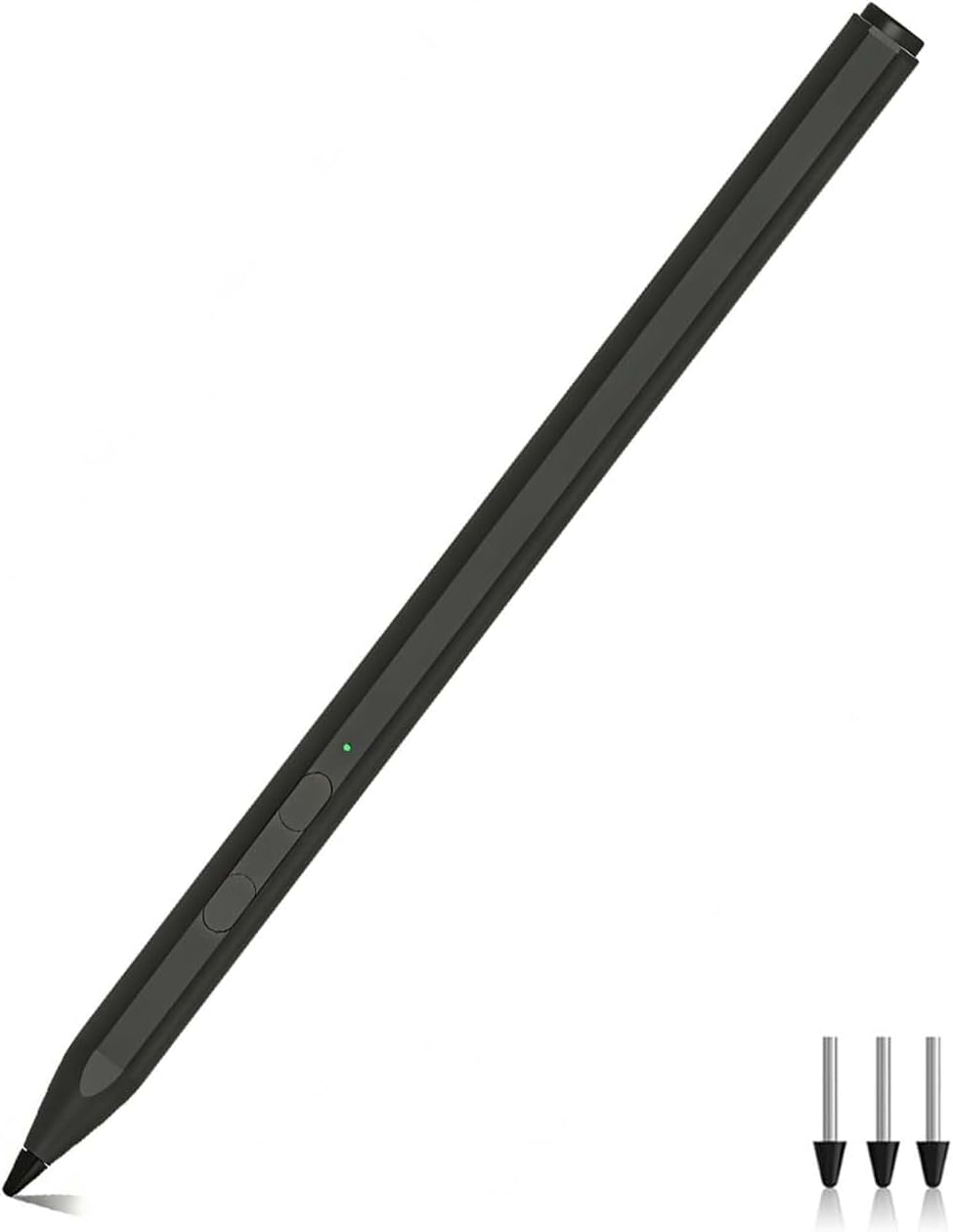
- 【Operation Guidelines&No Bluetooth Required】Not require Bluetooth connection, press and hold the upper button(Right mouse Button)for 1second to start the Surface Pen, the indicator light appears green, use it directly on devices. If it cannot be used on compatible devices, please check whether your device is connected to other pens, disconnect other pens, and then turn on our pen. If no other device is connected, please check your device model again.(Contact us to know more about the models)
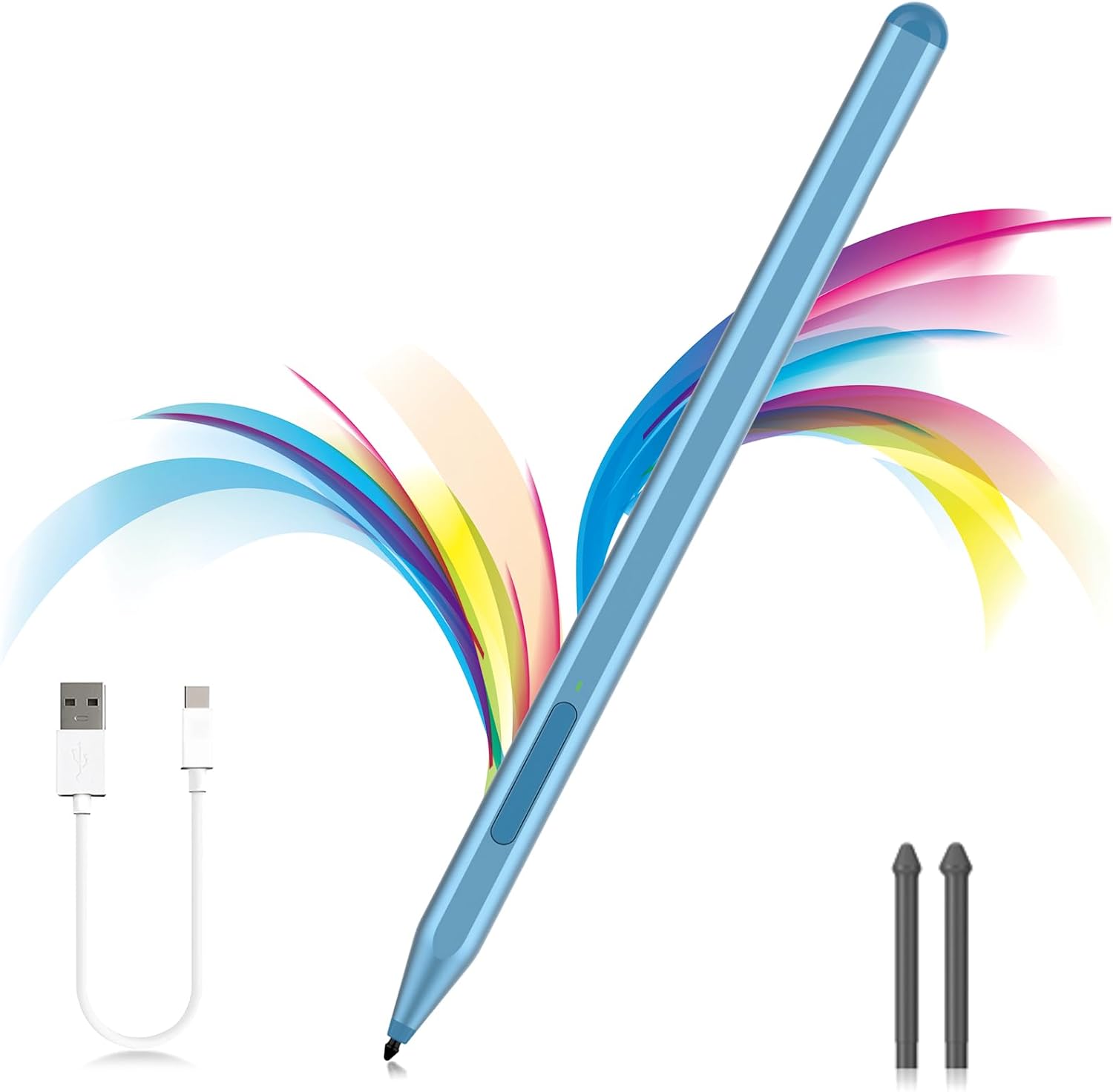
- 【Eraser/Right-click Functions&Package Included】The Surface Pen comes with eraser and right-click functions,the lower key is the eraser,and the upper key is the right mouse button.which helps you to improve your work efficiency.Package Included:1xF97 Surface Pen,1xUSB-C cable,2xReplacement tips, 1xUser manual.Easy to Replace Tip:2 extra nibs for easy replacement at any time.
- 【Fast Charge &Smart Standby】Enjoying Milikilo's pen for surface leading Type-C fast charge and longer battery life, Stylus F97 only takes 40 minutes to fully charge for 80 hours of battery life. Automatically turn in "Sleep Mode" if idle for 10 minutes to save power. Perfect for students, business professionals, and creators who take notes and draw frequently.
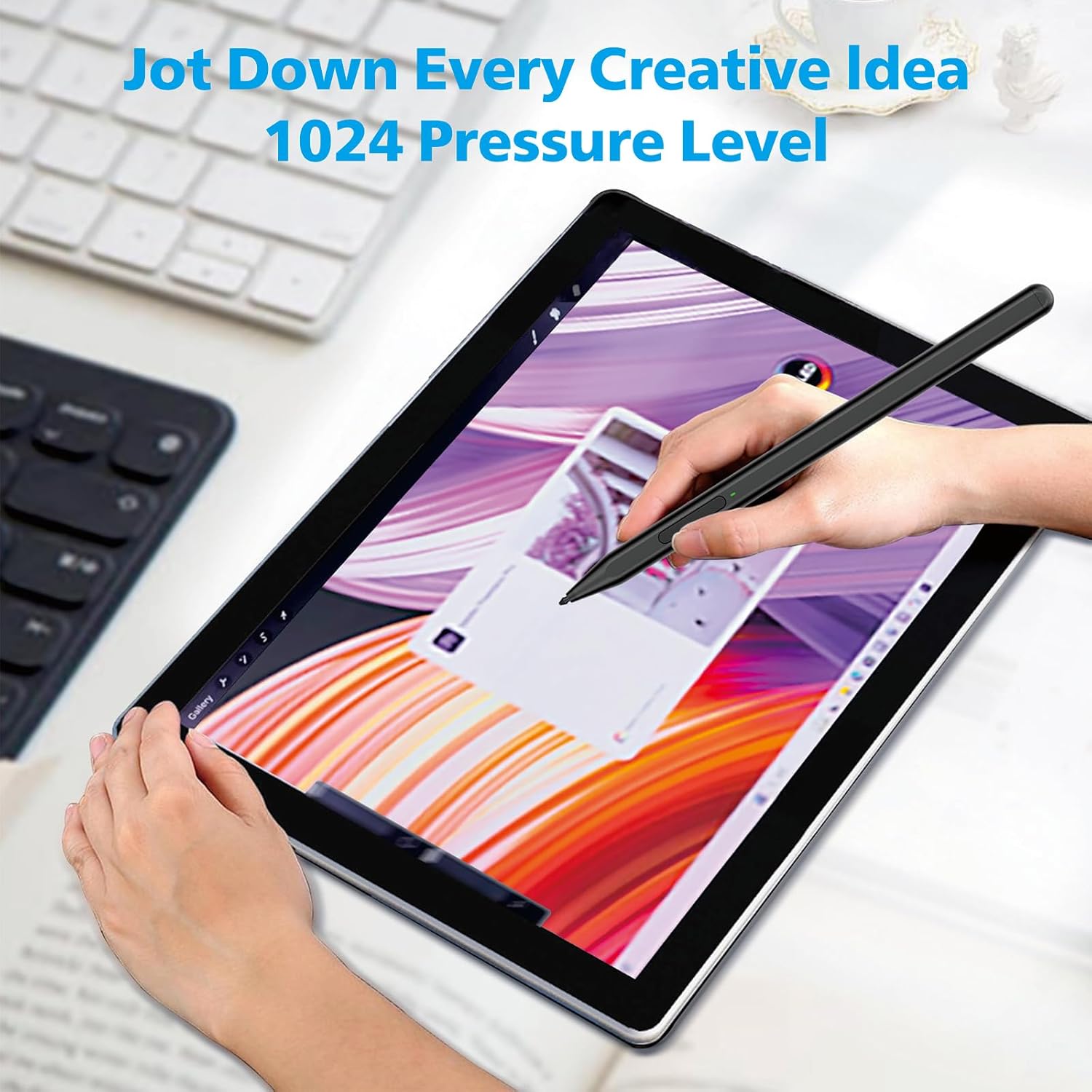
- 【Palm Rejection&Double Magnets】With palm rejection technology, you can rest your hand naturally on the screen without fatigue or accidental touches. The F97 pen for surface attaches firmly to your Microsoft Surface tablets with two stronger built-in magnets, Milikilo Surface pen is always there and ready to jot down when inspiration strikes.
- 【Tilt Function&Premium Feel】The F97 pen for surface has a tilt and thickness feature that enables the line to become thicker as the pen is tilted at a larger angle. This is especially useful for creating precise outlines and shading, making it ideal for drawing purposes.Fine control with 1024 pressure points. Milikilo Surface Pen has a CNC and gold-plated nib that provides a smooth, crisp line .
| ASIN | B0CYXWKWNY |
|---|---|
| Brand | Milikilo |
| Color | Black |
| Unit Count | 1.0 Count |
| Item Weight | 14 Grams |
| Manufacturer | Milikilo |
| Model Number | F97 |
| Charging Time | 40 minutes |
| Item Diameter | 1 Inches |
| Item Dimensions | 6.22 x 0.39 x 0.39 inches |
| Mfr Part Number | F97 |
| Compatible Devices | Laptops, Tablets |
| Enclosure Material | Aluminum |
| Battery Description | Lithium-Ion |
| Number of Batteries | 1 Lithium Ion batteries required. (included) |
| Pressure Sensitivity | 1024 Levels |
| Warranty Description | 1 year manufacturer |
| Are Batteries Included | Yes |
| Are Batteries Required | Yes |
| Battery Average Life Standby | 30 days |
| Compatible Tablet Computer Models | Microsoft Surface Go 4, Microsoft Surface Pro 11, Microsoft Surface Pro 3 |
| Minimum Required Operating System Version | Windows 10 |





Bestseller ranking
Entrance Doors




Customers who viewed this product also viewed
Stylus Pens




Correction of product information
If you notice any omissions or errors in the product information on this page, please use the correction request form below.
Correction Request Form